
See Your Property. The Way You Think.
HotPilot's calendar and grid views let you visualise availability, spot gaps, and move bookings with a single drag — giving you complete operational control without the spreadsheet chaos.

The Problem
You Can't Manage What You Can't See Clearly.
Most PMS calendars are cluttered, confusing, and slow. You scroll endlessly to find gaps, squint at tiny labels to understand which room is which, and dread making changes because they require multiple clicks and confirmation dialogs. For a property manager handling dozens of rooms across months of availability, this friction adds up to hours of lost time every week — and missed opportunities to optimise occupancy.
The Solution
A Visual Command Centre for Your Entire Property.
HotPilot gives you a calendar and grid view built for real property operations — fast to load, easy to read, and designed to let you take action in one click. See your entire inventory at a glance. Move bookings between rooms with drag-and-drop. Block dates, spot gaps, and understand your occupancy without needing to export to Excel.
WHAT YOU CAN DO
Manage Your Property Visually
Move Bookings
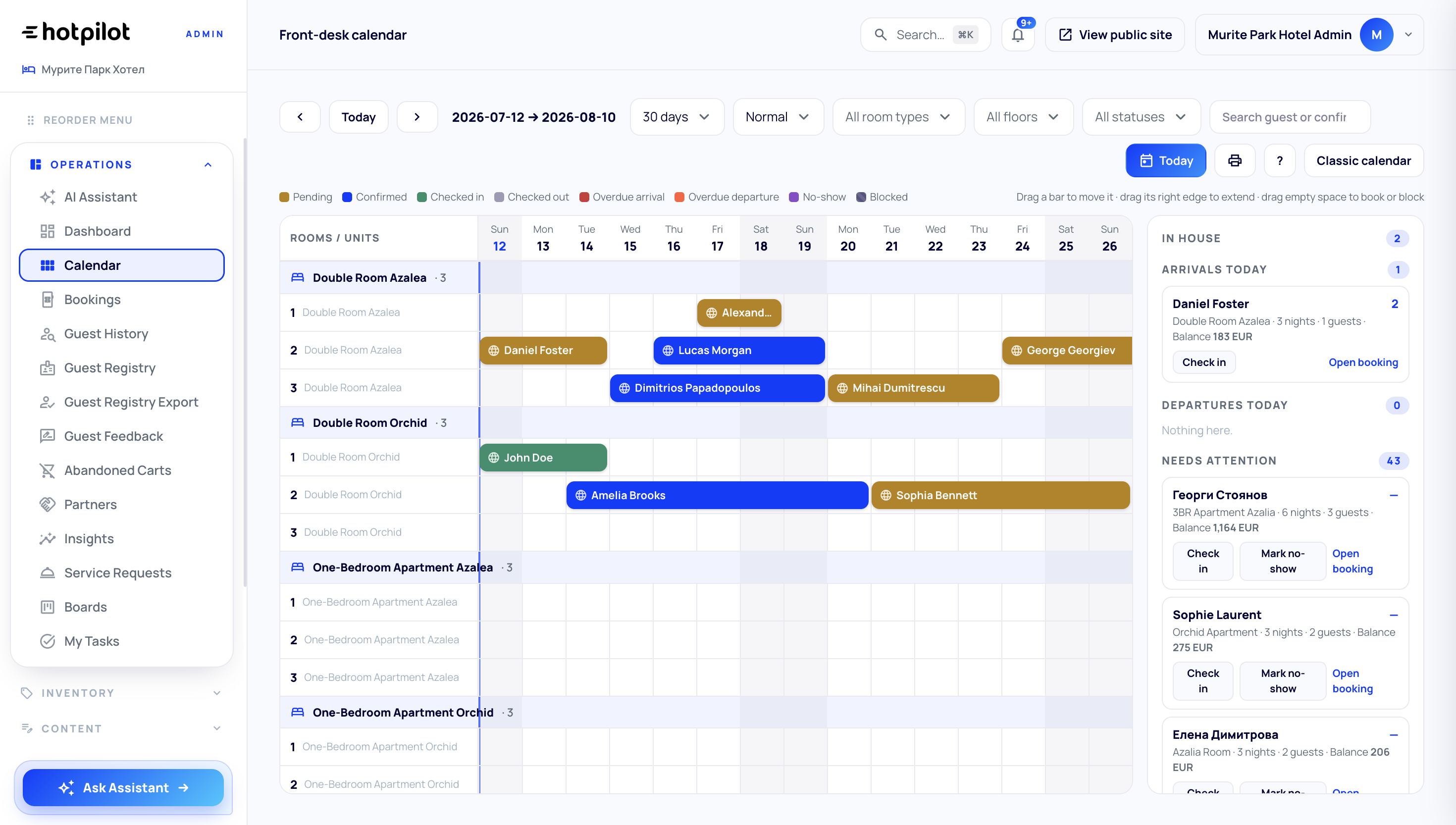
Drag a booking to a different room or date range to reassign instantly. HotPilot updates availability across all connected channels automatically.
Block Dates
Click and drag to block a room for maintenance, owner use, or temporary hold. Blocked dates sync to OTAs immediately.
Spot Gaps
See exactly where you have unsold nights between bookings. Use this view to create targeted gap-filling promotions.
Features
Built for Speed. Built for Clarity.
Always Accurate. Always Current.
Your calendar reflects live availability across every connected channel — Booking.com, Airbnb, Expedia, and direct. When a booking comes in from any source, it appears instantly. When you make a change in the calendar, it pushes to OTAs in real time. No manual refresh required.
One Gesture. Done.
Move a booking to a different room by dragging it across the grid. Extend a stay by dragging the edge of the booking bar. HotPilot validates availability, updates rates if needed, and syncs the change to channels — all from a single interaction.
See Only What You Need.
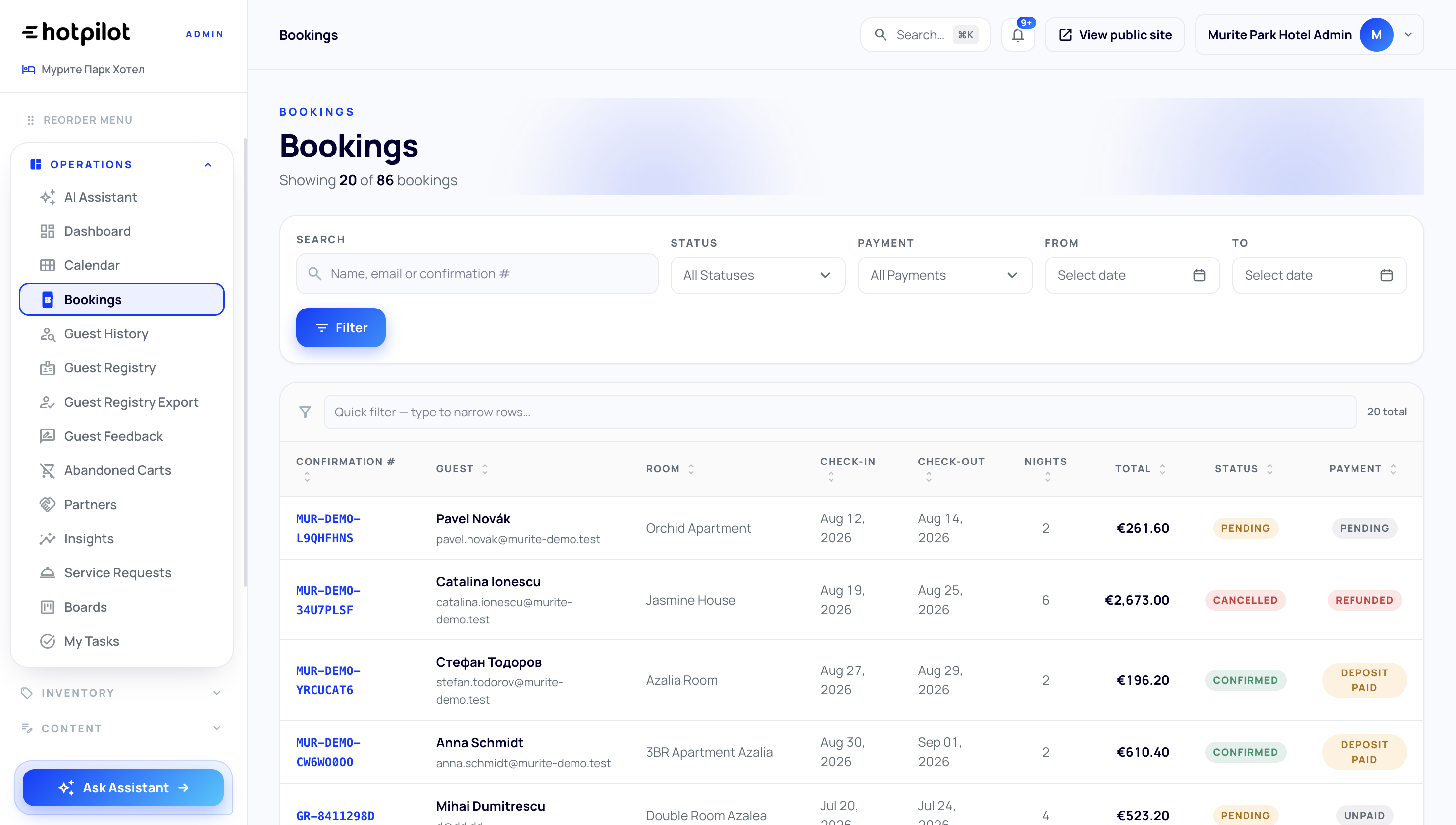
Filter the calendar by room type, floor, building, or custom tag. Switch between daily, weekly, and monthly views. Colour code by booking status, source, or payment state. Your calendar shows exactly the information you need for your current task — and nothing more.
Always Accurate. Always Current.
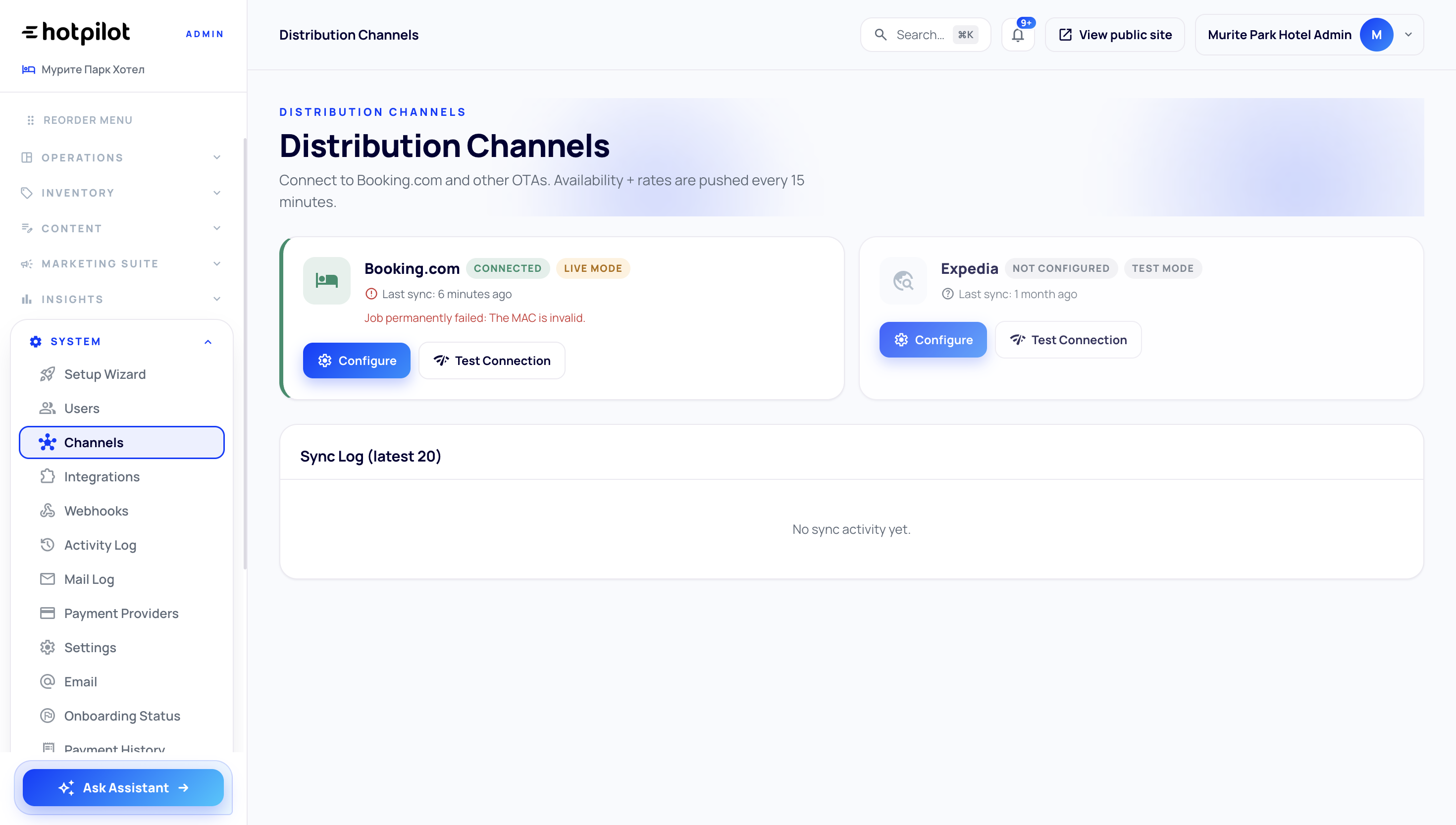
Your calendar reflects live availability across every connected channel — Booking.com, Airbnb, Expedia, and direct. When a booking comes in from any source, it appears instantly. When you make a change in the calendar, it pushes to OTAs in real time. No manual refresh required.
One Gesture. Done.
Move a booking to a different room by dragging it across the grid. Extend a stay by dragging the edge of the booking bar. HotPilot validates availability, updates rates if needed, and syncs the change to channels — all from a single interaction.
See Only What You Need.
Filter the calendar by room type, floor, building, or custom tag. Switch between daily, weekly, and monthly views. Colour code by booking status, source, or payment state. Your calendar shows exactly the information you need for your current task — and nothing more.
Impact
Clarity Drives Better Decisions
faster booking modifications with drag-and-drop
availability sync across all channels
double bookings with conflict detection
for all rooms, all dates, all actions
FAQ
Frequently Asked Questions
Everything you need to know about this feature.
Online
Yes. For multi-property accounts, HotPilot provides a combined view showing availability across all properties. You can also switch to a single-property view to focus on one location at a time.
Online
HotPilot will update the booking details and push the change to the connected OTA channel (where supported). For channels that don't support live modification, HotPilot will alert you to take manual action.
Online
Yes. Blocking a date range marks it as unavailable for new bookings without affecting existing reservations. You can also add notes to the block indicating the reason (e.g., maintenance, owner use).
Online
Yes. HotPilot's calendar is fully responsive and works on tablets and smartphones. The day and week views are optimised for smaller screens, and touch-based drag-and-drop is supported on modern devices.
See Your Property
Like Never Before.
Take control of your inventory with a calendar that's fast, clear, and built for hospitality operations.