

City Tax. Calculated Right. Every Time.
HotPilot automatically calculates, collects, and reports city tax for every booking — applying the correct local rate per guest, per night, based on the destination. No manual lookups. No errors.

The Problem
City Tax Is Small.
But Getting It Wrong Is Not.
City tax rules vary by country, municipality, star rating, and sometimes guest age or nationality. In Greece alone, rates differ by island and hotel category. In Bulgaria and Romania, municipalities set their own amounts. Most hotels calculate this at checkout — manually, based on memory or a printed table — creating room for errors, inconsistent collection, and reconciliation headaches at month end. When authorities ask for records, too many properties are reaching for a spreadsheet they half-remember filling out.
The Solution
Configured Once. Calculated Perfectly. Every Stay.
HotPilot's City Tax module lets you configure the exact rates for your property's location. From that point forward, every booking automatically includes the correct city tax amount — calculated by the number of adults, the number of nights, and any applicable exemptions. The amount appears on the invoice, is collected at booking or checkout, and accumulates in a reporting dashboard you can export for local authority submissions.
Features
Every Rule. Every Rate.
Handled Automatically.
Set Your Rates Once. Apply Them Forever.
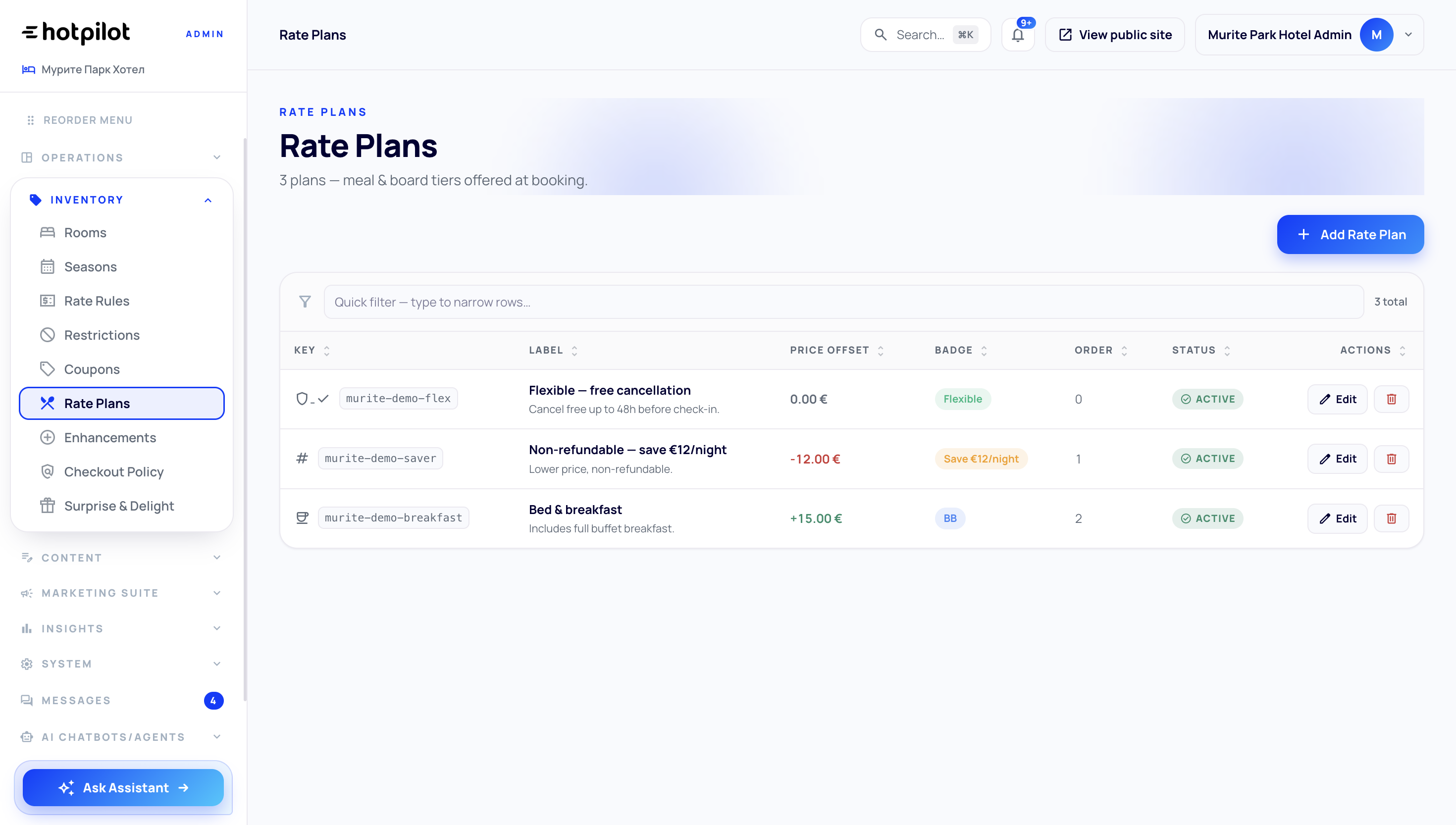
Configure your city tax rates in HotPilot's settings — per adult per night, per room per night, or as a flat amount — and the system applies them to every booking automatically. Rates can be set per property for multi-property accounts, and updated instantly when local municipalities announce changes.
Exemptions Applied Without Thinking About It
Most city tax regimes exempt children under a certain age. Some exempt guests on long stays, guests with disabilities, or guests from specific categories. HotPilot applies your configured exemption rules automatically — checking guest ages and booking attributes at the moment of calculation, so the correct amount is always charged without any manual review.
Monthly Reports Ready to Hand to Authorities
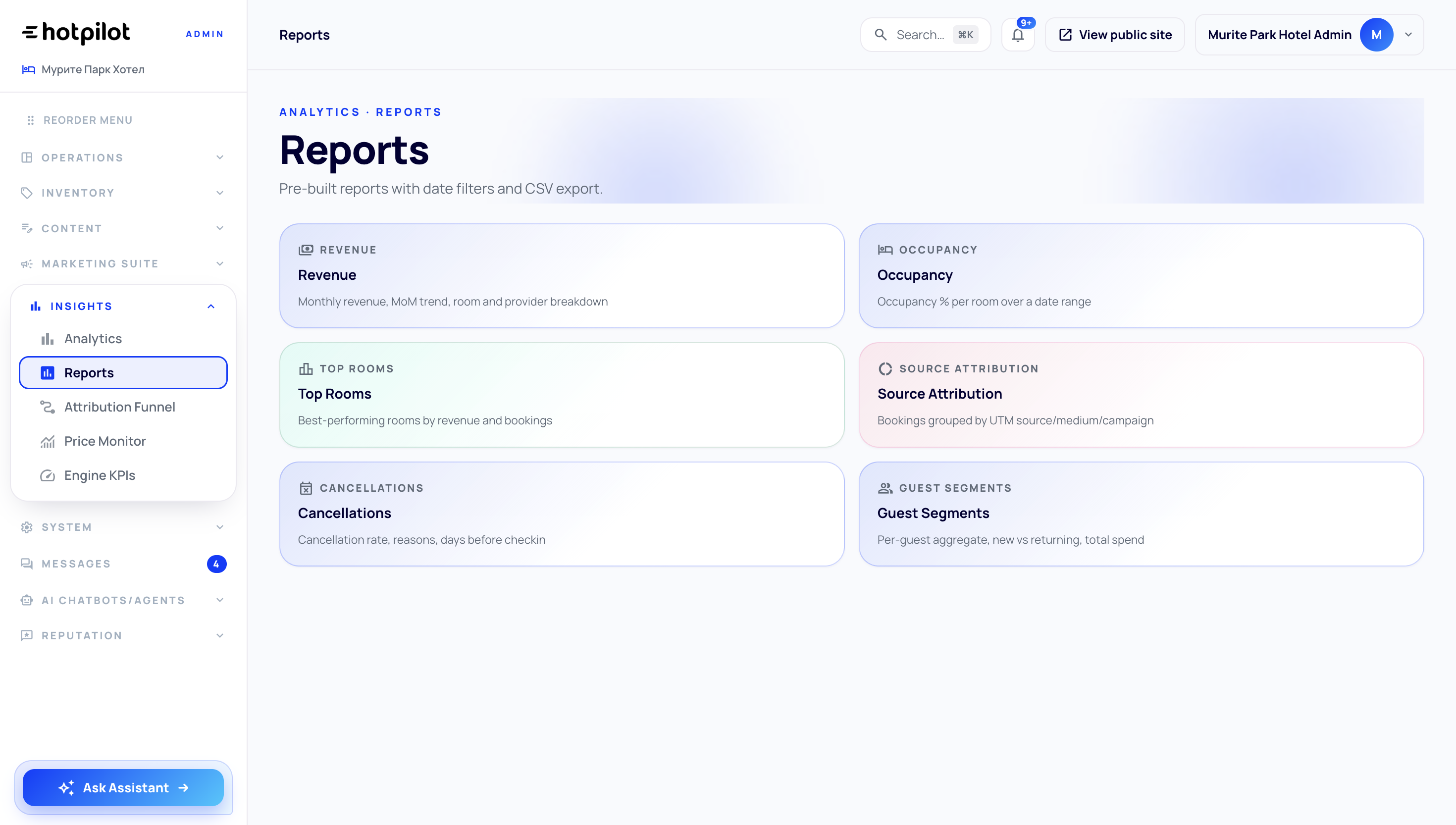
Every collected city tax amount is logged against the corresponding booking. HotPilot generates monthly and quarterly summary reports — total collected, broken down by booking, guest nationality, and room type — formatted for submission to local tourism authorities. No spreadsheet assembly required.
Set Your Rates Once. Apply Them Forever.
Configure your city tax rates in HotPilot's settings — per adult per night, per room per night, or as a flat amount — and the system applies them to every booking automatically. Rates can be set per property for multi-property accounts, and updated instantly when local municipalities announce changes.
Exemptions Applied Without Thinking About It
Most city tax regimes exempt children under a certain age. Some exempt guests on long stays, guests with disabilities, or guests from specific categories. HotPilot applies your configured exemption rules automatically — checking guest ages and booking attributes at the moment of calculation, so the correct amount is always charged without any manual review.
Monthly Reports Ready to Hand to Authorities
Every collected city tax amount is logged against the corresponding booking. HotPilot generates monthly and quarterly summary reports — total collected, broken down by booking, guest nationality, and room type — formatted for submission to local tourism authorities. No spreadsheet assembly required.
Impact
Accurate. Compliant. Effortless.
manual city tax calculations at checkout
of bookings with correct amount applied automatically
exemptions applied based on guest age and stay length
monthly report export for local authority submission
FAQ
Frequently Asked Questions
Everything you need to know about this feature.
Online
HotPilot's City Tax module is pre-configured with rules for Bulgaria, Greece, and Romania. Within each country, you set the specific rate for your municipality. For Greece, where rates vary significantly by island and hotel category, each property has its own rate configuration. Additional country configurations are available on request.
Online
You control this. City tax can be included in the displayed room rate, shown as a separate line item at checkout, collected at the property on arrival, or invoiced as part of the full booking total. The option that suits your property's workflow and guest communication approach is configurable in settings.
Online
You can set a new rate with an effective start date. Bookings made before the change date are charged at the old rate; new bookings from the effective date onwards use the updated rate. Historical invoices are not retroactively changed.
Online
You set the age threshold below which guests are exempt — typically 12 or 18 depending on your destination's rules. When a booking includes guests below the threshold, their share of city tax is automatically removed from the total and the exemption is noted on the invoice.
City Tax on Autopilot.
Literally.
Configure your rates once. Every booking gets the right amount applied, invoiced, and reported — without a single manual calculation.