
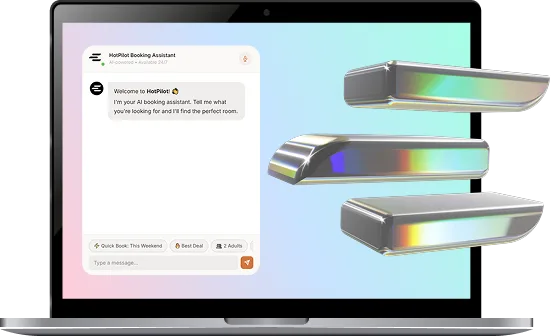
Take the Money the Way
Your Guests Actually Pay.
Nine payment routes, one checkout. Enable the gateways that suit your market, set deposits per booking, and let HotPilot handle VAT, city tax and the payments that fail.

The Problem
The Gateway You Can Get Isn't Always the One They Offer
Most booking systems ship one payment provider and call it a feature. If your bank is Bulgarian, your guests pay in three currencies, or you need a deposit now and the balance on arrival, you end up taking card numbers over the phone and reconciling by hand.
The Solution
Pick Your Rails. Keep One Checkout.
Enable the gateways that make sense for your property — international cards, local acquirers, wallets, bank transfer, even crypto — and guests still see one clean checkout. Deposits, VAT and city tax are configured once and applied everywhere.
PAYMENT ROUTES
Nine Ways to Get Paid.
You Choose Which.
Stripe
International cards, Apple Pay and Google Pay, with 3-D Secure handled for you.
Revolut
Cards, wallets and Revolut Pay settled straight into your Revolut Business account.
BORICA
The Bulgarian card gateway, for properties that settle with a local bank.
myPOS
Card payments and terminals for Bulgarian and other regional merchants.
EveryPay
Baltic card acquiring for Estonian, Latvian and Lithuanian merchants.
CoinGate
Crypto payments converted to your currency, for the guests who ask.
Pay at Hotel
Reserve now, pay on arrival — with a card held or not, as you decide.
Bank Transfer
Manual transfer, with the instructions and reference on the confirmation.
Features
Everything Between "Book" and "Reconciled"
Enable, Test, Done.
Each gateway is a card on one screen: switch it on, paste the keys, and use Test connection to confirm they work before a guest ever reaches the checkout. Secrets are encrypted at rest and never sent back to the browser.
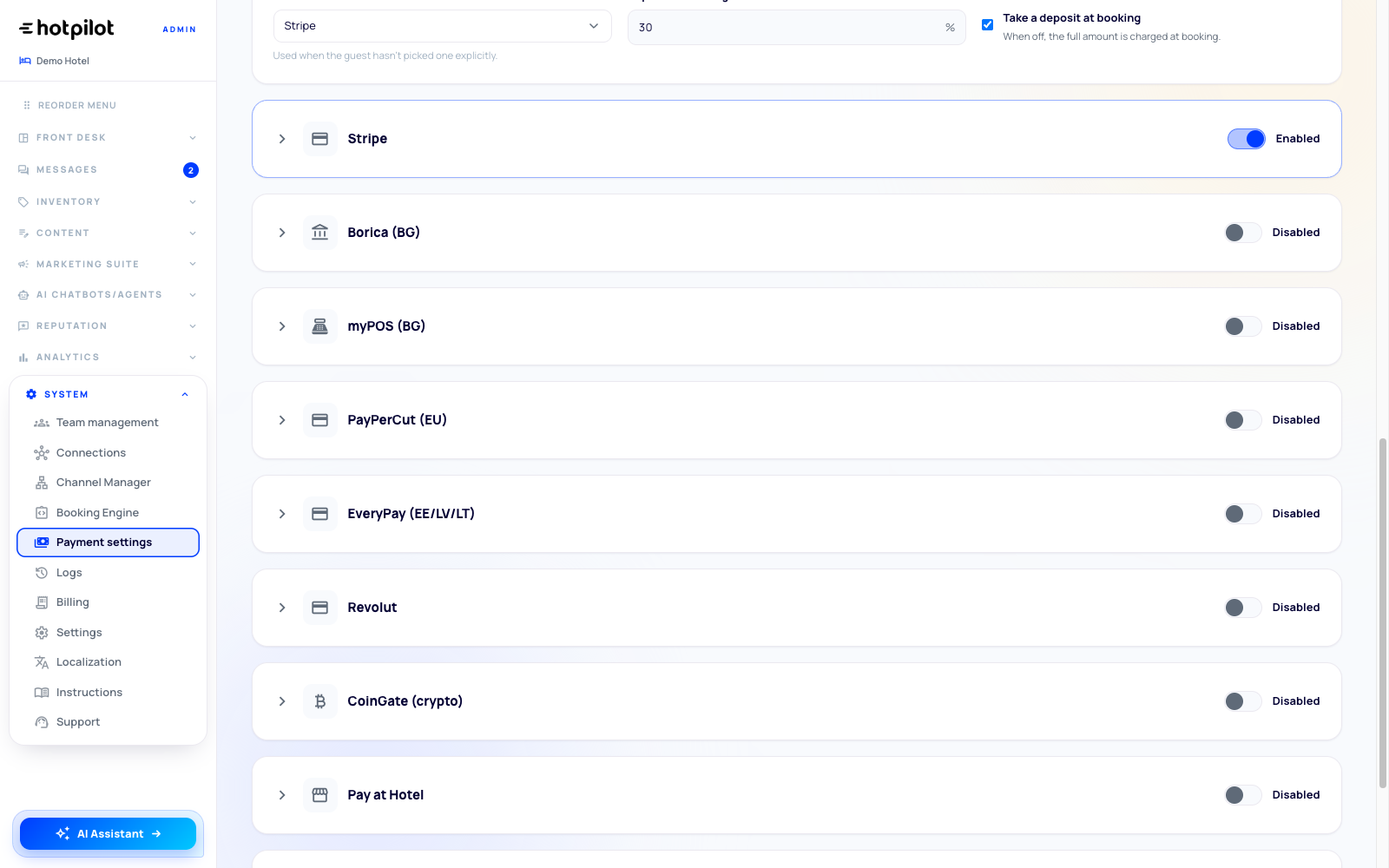
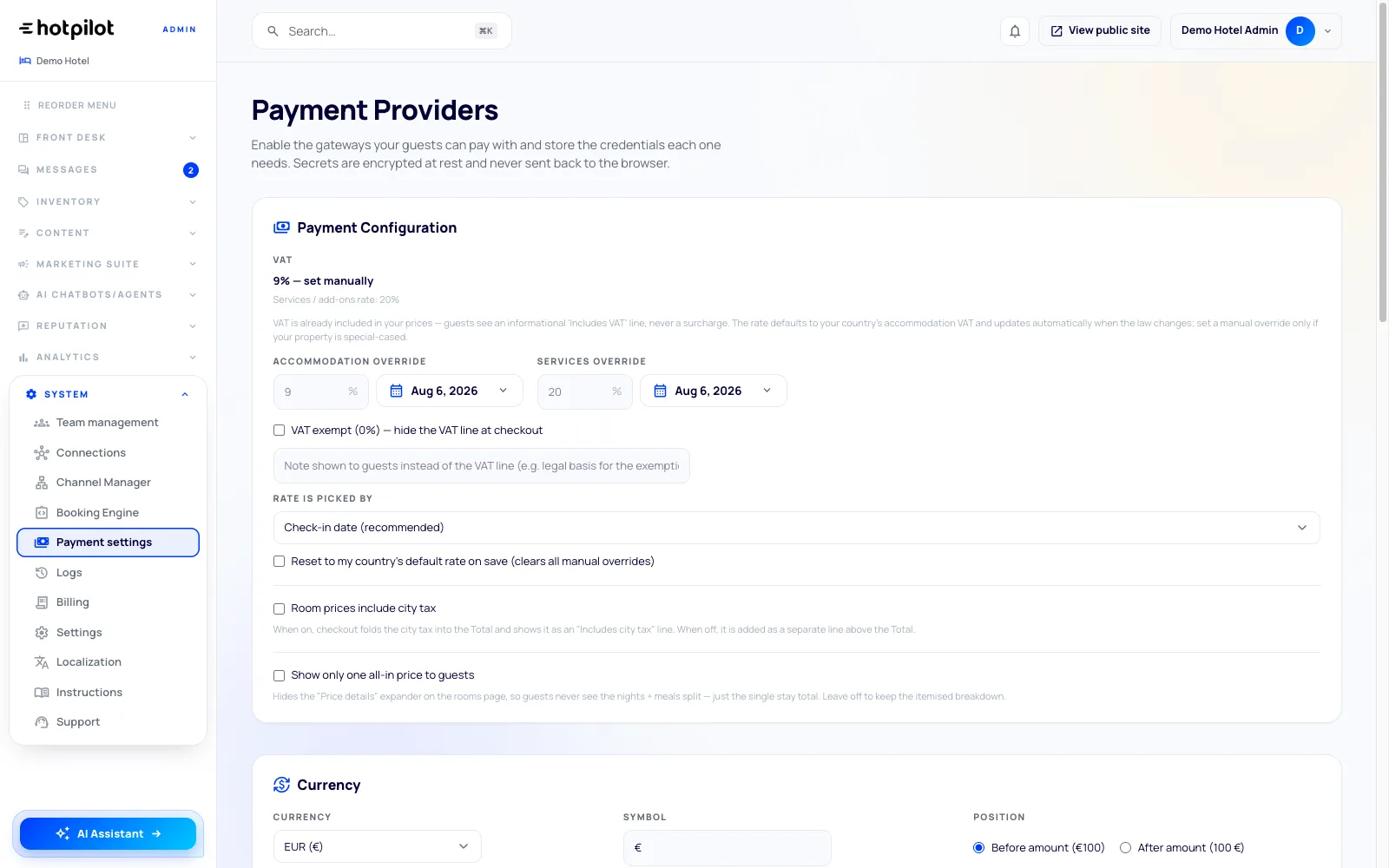
Charge 30% Now, the Rest on Arrival
Set a deposit percentage and decide whether the balance is charged before arrival or collected at the desk. VAT follows your country's accommodation rate, with dated manual overrides when your property is special-cased, and city tax either folds into the total or shows as its own line.
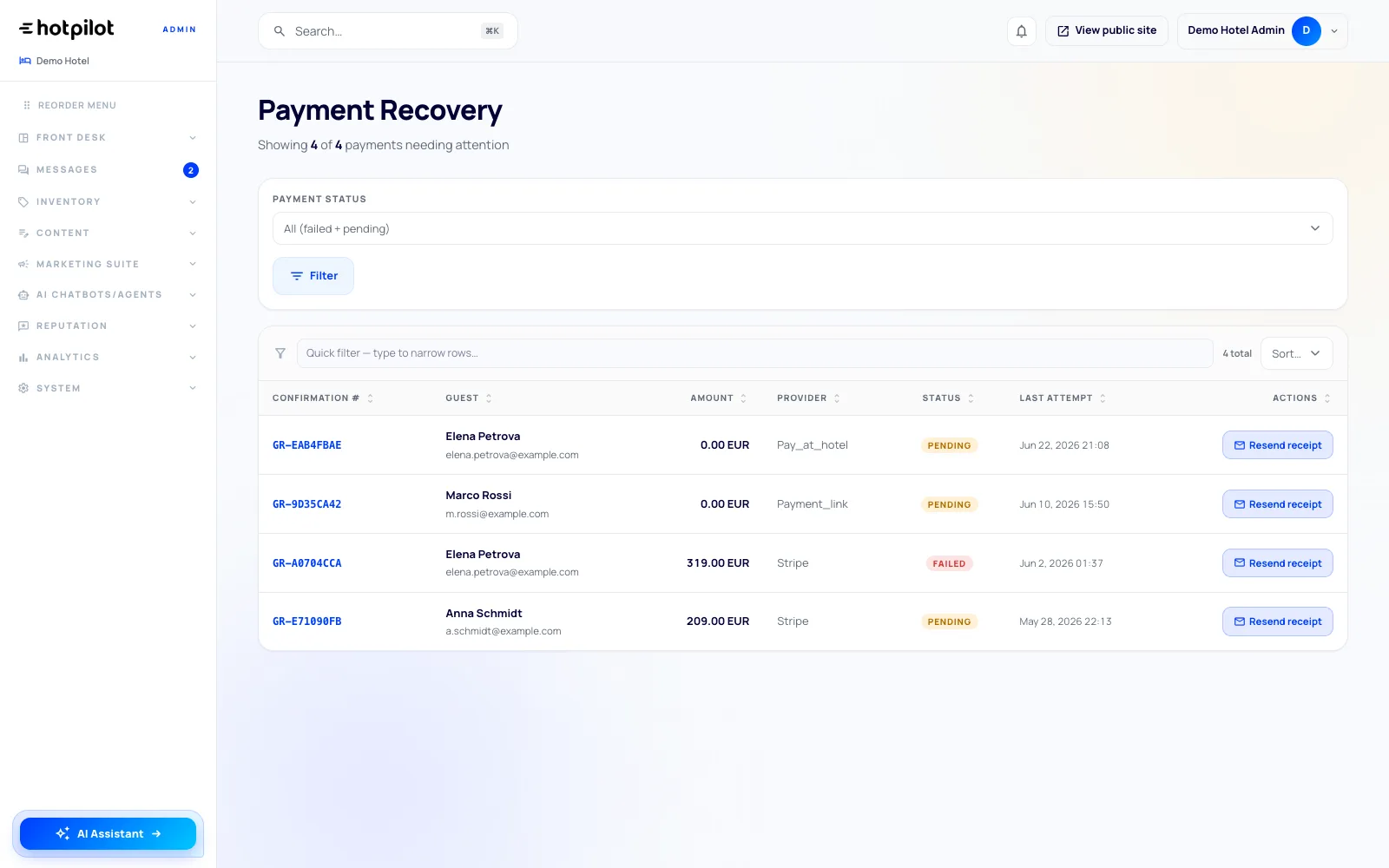
A Failed Card Isn't a Lost Booking
Payments that fail or remain pending land in one queue with the guest, amount, provider, status and last attempt. Open the booking to investigate and reconcile the payment — instead of discovering at check-in that nothing was charged. Receipts are available only after settlement.
Four Steps, in Their Language and Currency
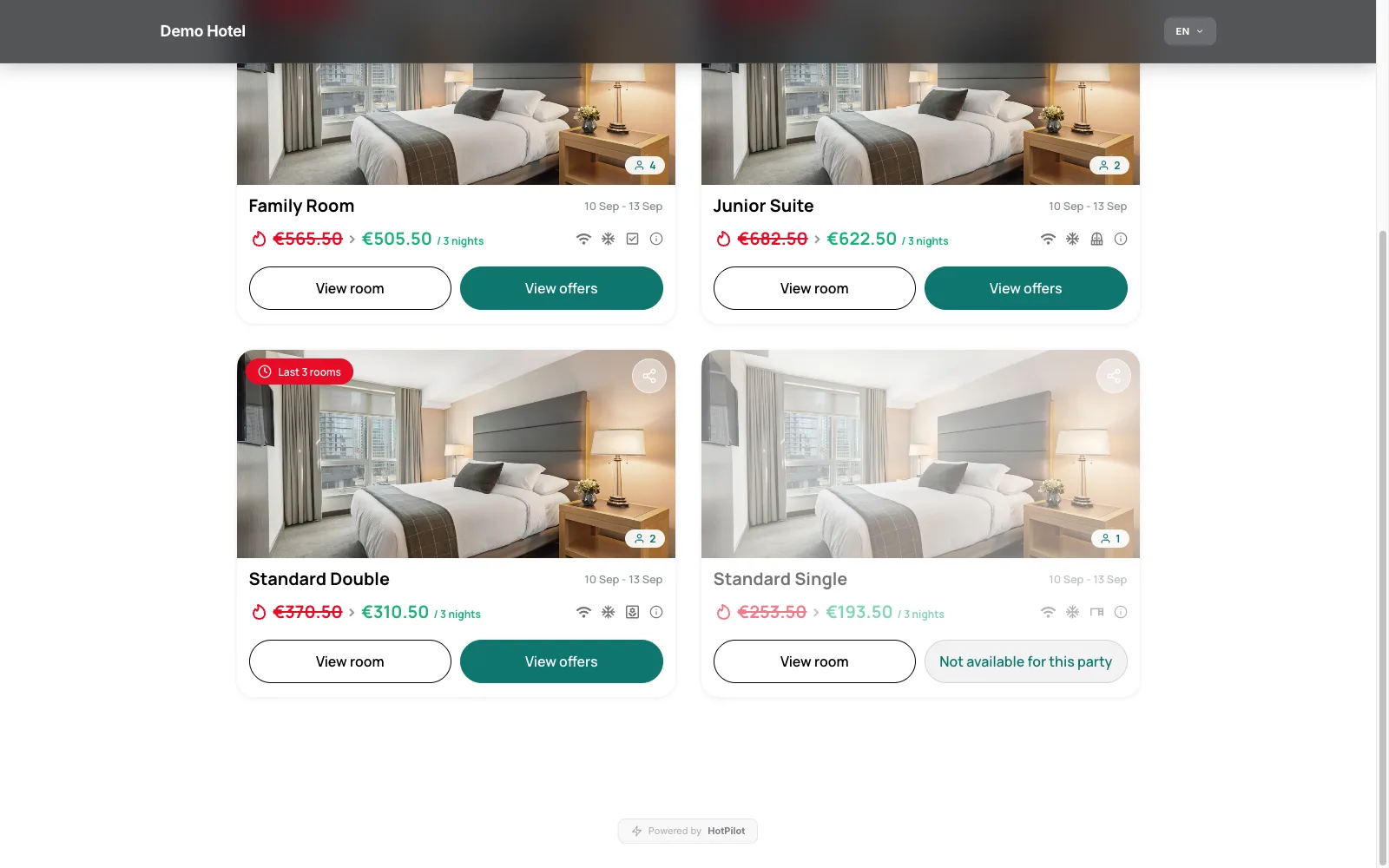
The checkout is mobile-first, shows the price breakdown guests expect, and takes payment in the currency you sell in. Every price change, discount and refund is written to the audit trail, so the finance conversation has a paper trail.
Enable, Test, Done.
Each gateway is a card on one screen: switch it on, paste the keys, and use Test connection to confirm they work before a guest ever reaches the checkout. Secrets are encrypted at rest and never sent back to the browser.
Charge 30% Now, the Rest on Arrival
Set a deposit percentage and decide whether the balance is charged before arrival or collected at the desk. VAT follows your country's accommodation rate, with dated manual overrides when your property is special-cased, and city tax either folds into the total or shows as its own line.
A Failed Card Isn't a Lost Booking
Payments that fail or remain pending land in one queue with the guest, amount, provider, status and last attempt. Open the booking to investigate and reconcile the payment — instead of discovering at check-in that nothing was charged. Receipts are available only after settlement.
Four Steps, in Their Language and Currency
The checkout is mobile-first, shows the price breakdown guests expect, and takes payment in the currency you sell in. Every price change, discount and refund is written to the audit trail, so the finance conversation has a paper trail.
Coverage
Built for Markets One Gateway Can't Cover
Payment routes available
Checkout languages
Money movements audit-logged
Payment vendors to manage yourself
KEEP EXPLORING
Payments Are One Slice of the Integration Layer
PMS, channel manager, messaging, analytics and compliance exports connect the same way. Browse the full directory to see what plugs into your stack.
FAQ
Frequently Asked Questions
Everything you need to know about payments in HotPilot.
Online
Stripe, Revolut, BORICA, myPOS, EveryPay, PayPerCut and CoinGate for card, wallet and crypto payments, plus Pay at Hotel and Bank Transfer for offline settlement. You enable only the ones you need, and you can run more than one at a time.
Online
No. Funds settle directly from your gateway into your own merchant or bank account. HotPilot never becomes an intermediary in the payment, which is also why you keep whatever pricing you have negotiated with your provider.
Online
Encrypted at rest, and never sent back to the browser once saved. Rotating a key is a paste and a save, and the test-connection button verifies it against the provider without charging anything.
Online
Yes. Set a deposit percentage that applies at booking and decide whether the balance is charged automatically before arrival or collected at the desk. The guest sees exactly what is being taken and when.
Online
VAT is included in your prices and shown to guests as an informational line, never as a surcharge. The rate defaults to your country's accommodation VAT and updates when the law changes; you can set a dated manual override if your property is special-cased.
Online
A failed or pending payment appears in Payment Recovery with the guest, amount, provider, status and last attempt. Staff review the linked booking and reconcile it through the approved payment workflow. Once the payment is settled, its receipt can be re-sent from Payment History.
Ready to Get Paid
the Way Your Market Pays?
Turn on the gateways that fit your property, set your deposit rules once, and stop reconciling payments by hand.