
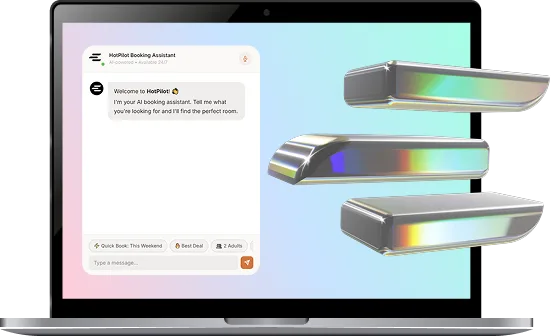
Stop Sending the Same Message to Everyone.
Group your guests by behaviour, booking history, and value — then target each segment with the right offer at the right time. Personalisation at scale, without the manual effort.

The Problem
Treating Every Guest the Same Costs You Revenue.
Your solo business traveller, the family on a summer holiday, and the loyal guest who books every November are completely different people. One blanket email fits none of them — and generic outreach gets ignored, unsubscribed, or worse, drives guests to a competitor who spoke to them directly.
The Solution
Every Guest in the Right Bucket. Automatically.
HotPilot builds dynamic guest segments based on booking behaviour, stay history, spending patterns, and RFM scoring. Segments update in real time as guest behaviour changes and sync directly to your marketing automations — no manual list management required.
Features
The Right Guest. The Right Message. Every Time.
Segment by What Guests Actually Do.
Build segments based on booking patterns, stay type, lead time, average spend, room preference, and length of stay. Identify your spa guests, your last-minute bookers, your long-stay workers — and speak to each group on their own terms.
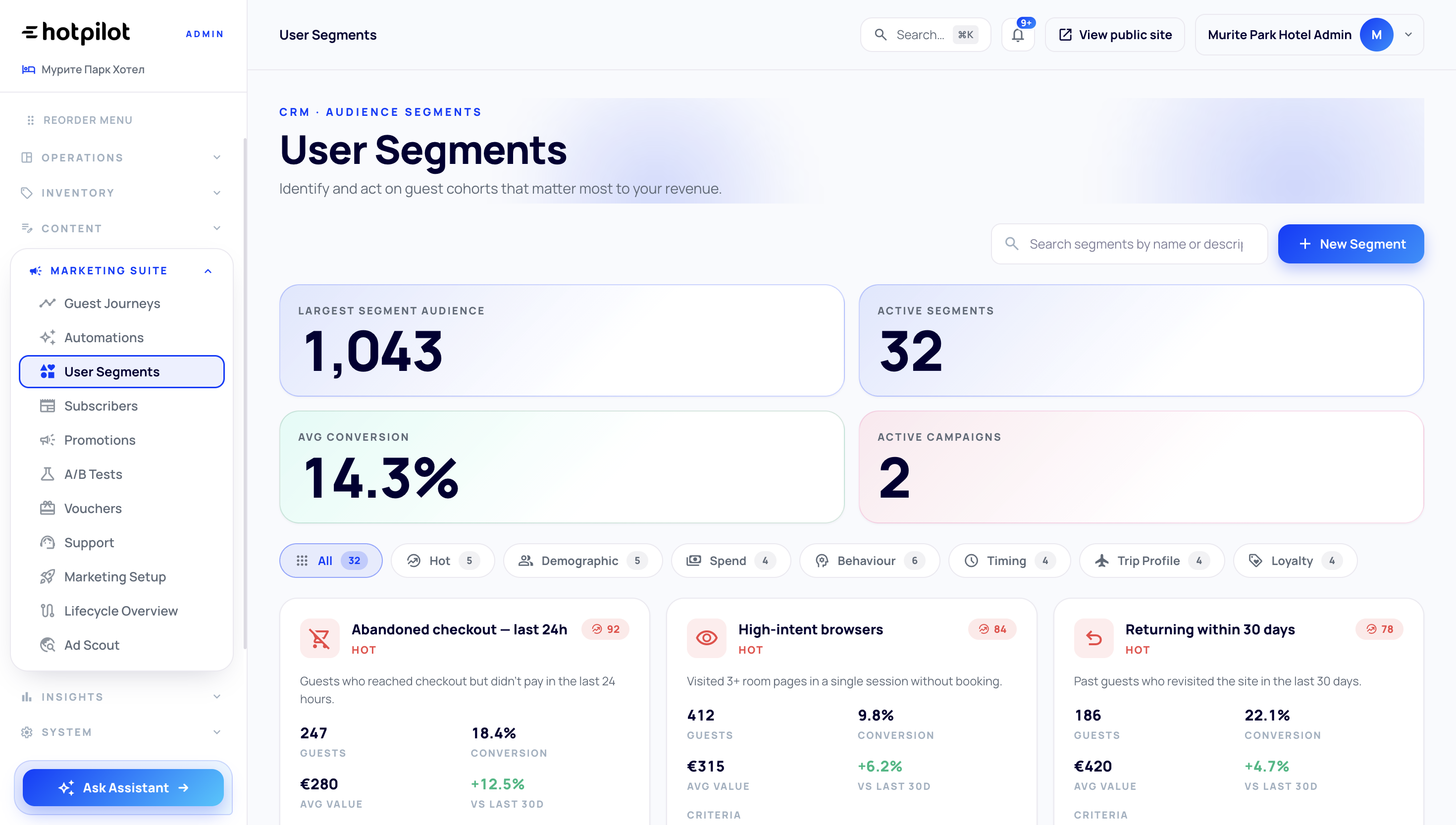
Know Who Your Most Valuable Guests Are.
HotPilot automatically scores every guest on Recency, Frequency, and Monetary value — the three dimensions that define true guest worth. Instantly identify your Champions, At-Risk guests, and everyone in between, then act on each group differently.
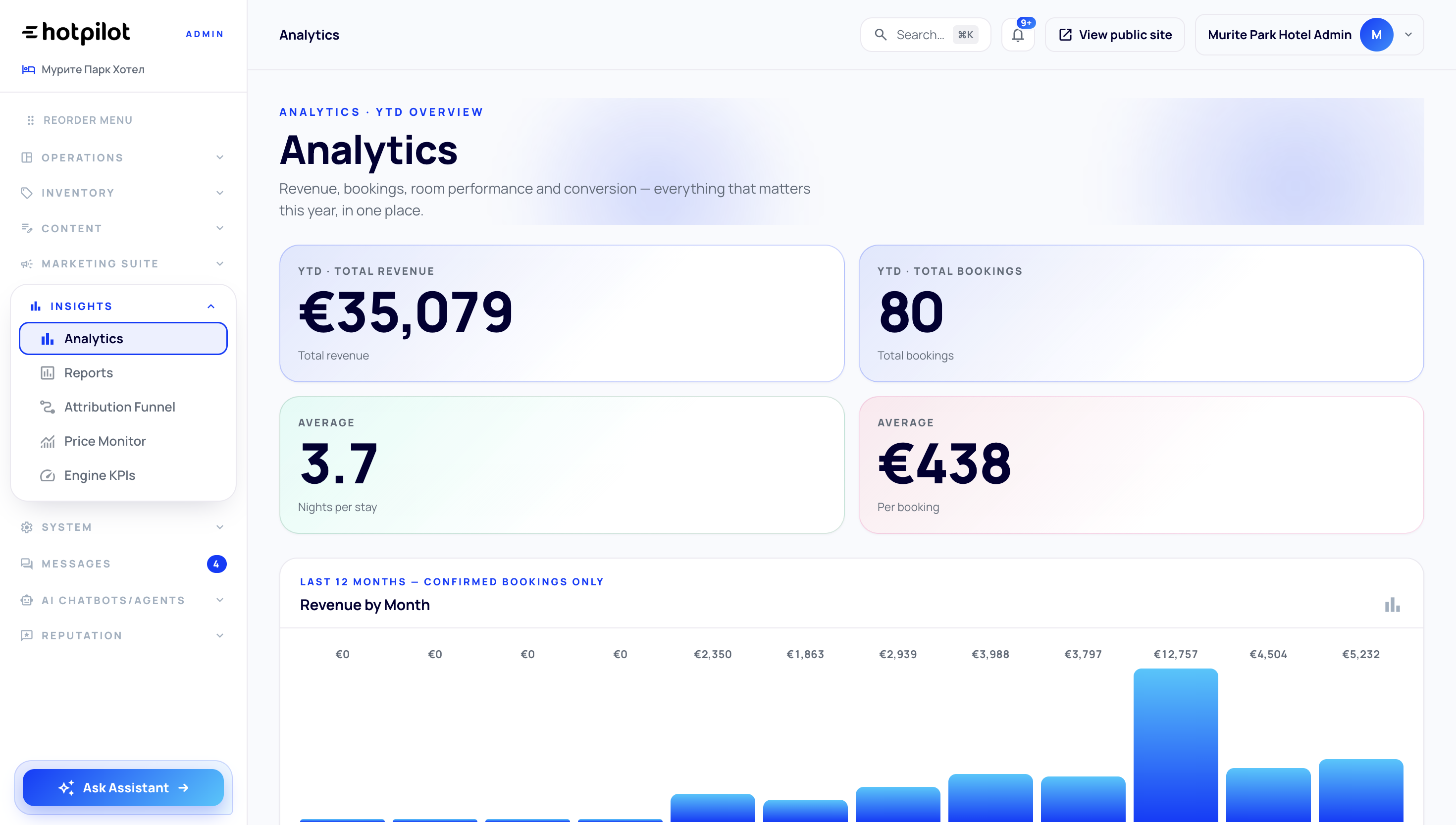
Segments That Keep Themselves Up to Date.
Unlike static lists, HotPilot segments update automatically as guest behaviour changes. A guest who books a third time moves to your Loyal tier without any manual action. A guest who hasn't returned in 12 months slides into At-Risk and triggers a win-back flow.
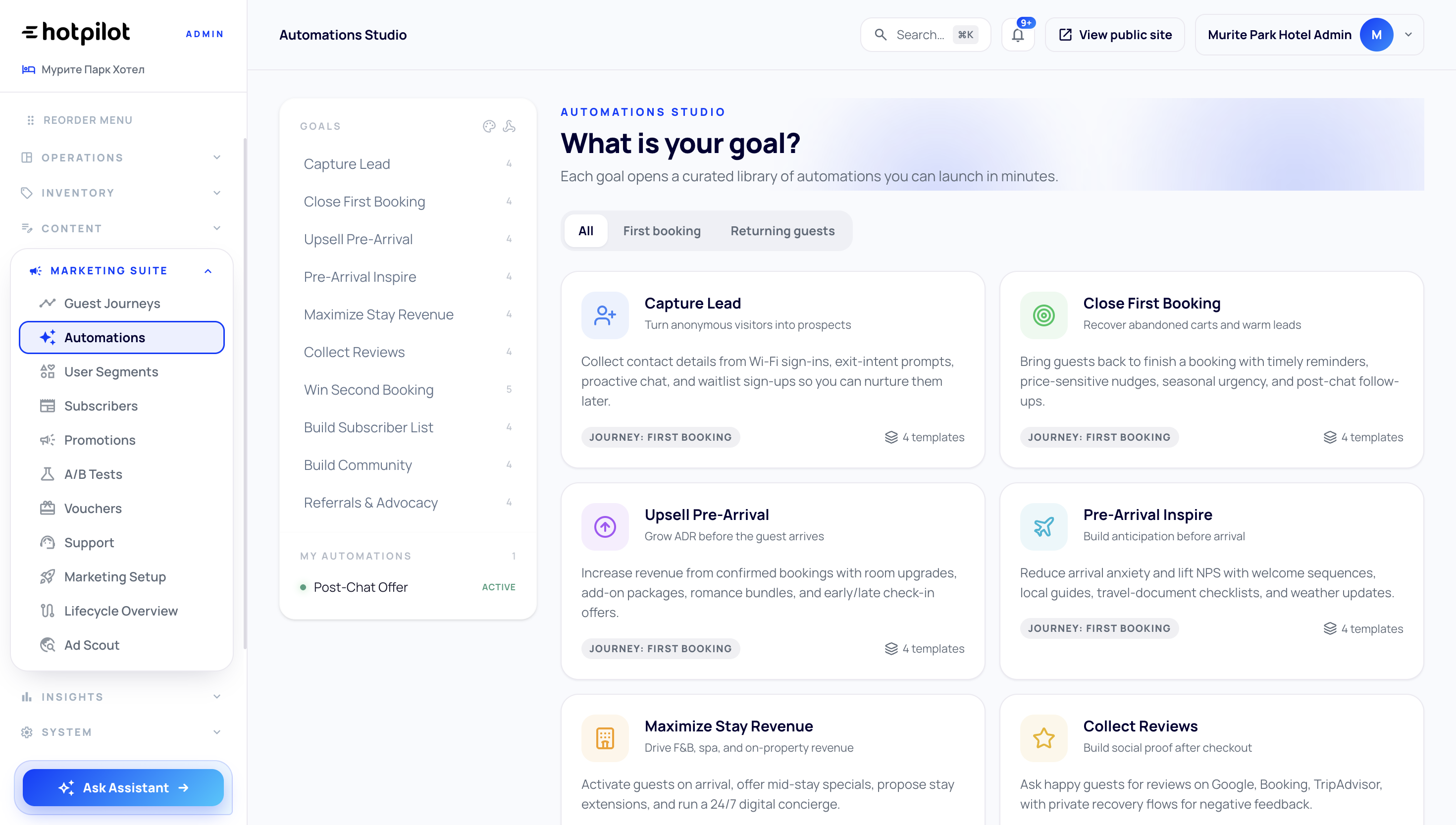
Put Every Segment to Work Immediately.
Push any segment directly into your email automations, WhatsApp campaigns, or ad platform audiences. Export as CSV for external tools. One-click sync ensures your campaigns always reflect the latest membership — no manual exports, no stale lists.
Segment by What Guests Actually Do.
Build segments based on booking patterns, stay type, lead time, average spend, room preference, and length of stay. Identify your spa guests, your last-minute bookers, your long-stay workers — and speak to each group on their own terms.
Know Who Your Most Valuable Guests Are.
HotPilot automatically scores every guest on Recency, Frequency, and Monetary value — the three dimensions that define true guest worth. Instantly identify your Champions, At-Risk guests, and everyone in between, then act on each group differently.
Segments That Keep Themselves Up to Date.
Unlike static lists, HotPilot segments update automatically as guest behaviour changes. A guest who books a third time moves to your Loyal tier without any manual action. A guest who hasn't returned in 12 months slides into At-Risk and triggers a win-back flow.
Put Every Segment to Work Immediately.
Push any segment directly into your email automations, WhatsApp campaigns, or ad platform audiences. Export as CSV for external tools. One-click sync ensures your campaigns always reflect the latest membership — no manual exports, no stale lists.
Impact
Numbers That Speak for Themselves
Behavioural attributes
Automatic value scoring
Segment membership updates
Sync to campaigns
FAQ
Frequently Asked Questions
Everything you need to know about guest segmentation.
Online
RFM stands for Recency (how recently a guest stayed), Frequency (how often they book), and Monetary value (how much they spend). It's the gold standard for identifying your most valuable guests and those at risk of churning. HotPilot calculates and updates RFM scores automatically so you can act on them without any manual analysis.
Online
Yes. The segment builder lets you combine any number of conditions using AND/OR logic. For example: guests who stayed more than 3 nights AND booked direct AND have not returned in 6 months. You can save, name, and reuse any custom segment.
Online
Dynamic segments evaluate their conditions continuously. When a guest's behaviour changes — a new booking, a longer stay, a higher spend — they are automatically moved between segments. This means your marketing automations always target the right people without any manual list updates.
Online
Yes. You can configure any segment entry or exit as a trigger in the Marketing Automations module. For example, when a guest enters the At-Risk segment, a win-back email sequence starts automatically. No manual action required.
Online
Yes. Segments can be exported as CSV for manual upload, or connected directly to ad platforms via our integrations. This lets you run lookalike campaigns based on your highest-value guests or retarget At-Risk guests with a special offer.
Your Guest List.
Finally Intelligent.
Stop treating every guest the same. Start sending the right message to the right person — automatically, every time.