

ESTI Submissions. Automated. On Time.
HotPilot handles your mandatory ESTI tourist registration submissions automatically — pulling guest data from every booking and submitting it to the tourism authority without any manual input from your team.

The Problem
ESTI Is a Legal Obligation.
Not a Nice-to-Have.
Hotels in Bulgaria are legally required to register every arriving guest in the ESTI system within a strict timeframe. For busy properties in peak season, this means manually entering guest data for every arrival — often at the most chaotic moments of the day, when your front desk is already handling check-ins, phone calls, and requests. Delays or missing submissions are not just an administrative headache — they can result in fines and compliance issues. And with data already existing in your booking system, re-entering it manually makes no sense.
The Solution
Guest Arrives. ESTI Gets Filed. Automatically.
HotPilot reads the guest data from each booking — name, nationality, document type, document number, arrival and departure dates — and submits it to the ESTI system automatically when the guest checks in. Your front desk confirms the arrival in HotPilot, and the ESTI registration is handled in the background. No separate system. No data re-entry. No risk of forgetting during a busy afternoon.
Features
Compliant by Default.
No Extra Effort Required.
Check In a Guest. ESTI Is Filed.
When your front desk marks a guest as checked in within HotPilot, the system automatically compiles the required ESTI data and submits it to the tourism registration platform. The submission status is confirmed and logged in real time. No second step, no separate login, no copy-pasting between systems.
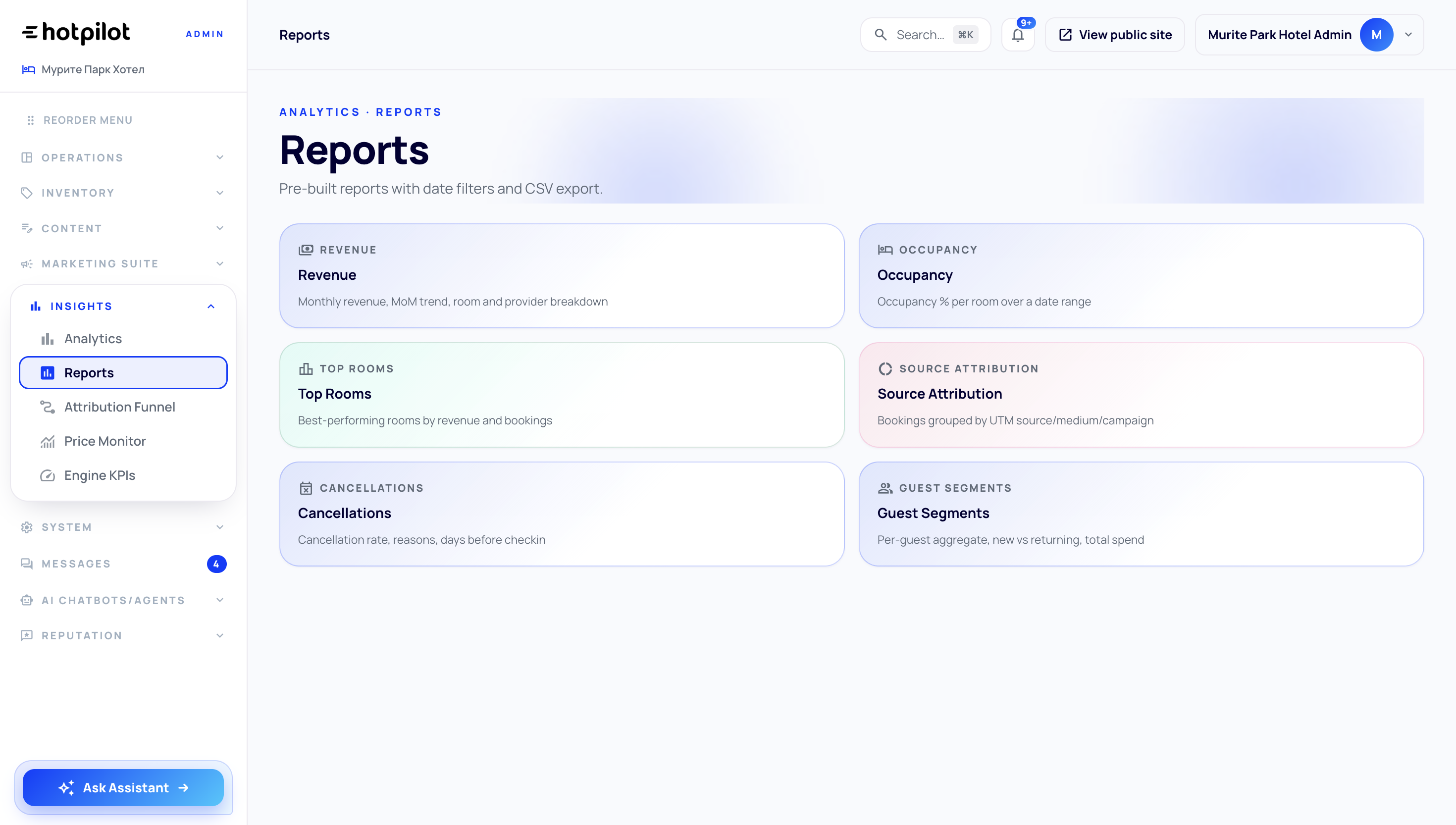
Never Submit Incomplete Guest Data Again
ESTI submissions require specific document information — ID number, nationality, document type — that isn't always collected at the booking stage. HotPilot flags any guest with incomplete data before check-in, giving your team time to collect the missing information and complete the submission on time. No submissions fail silently.
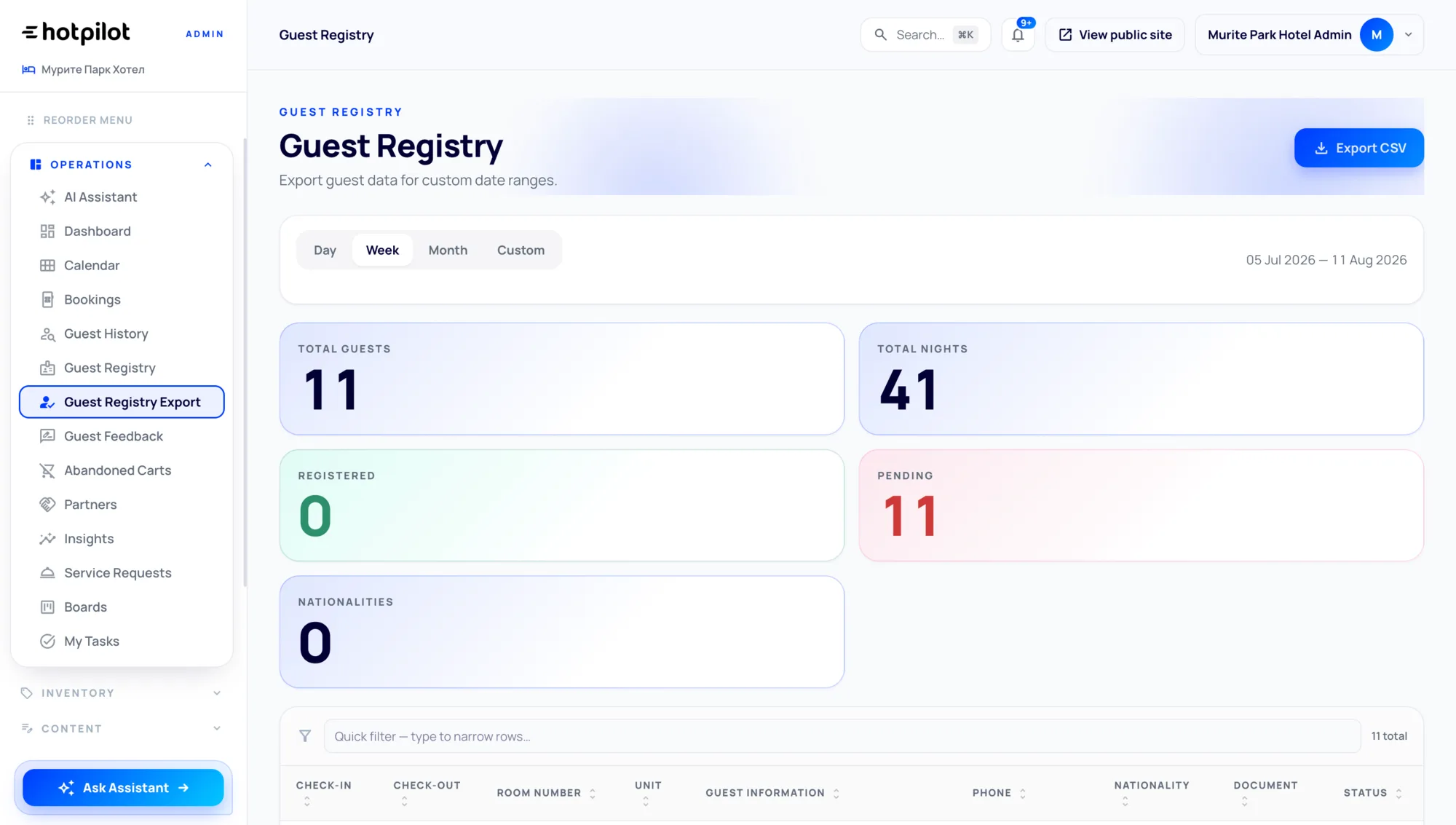
A Complete Record of Every Submission
Every ESTI submission made through HotPilot is stored with a full audit trail — who was submitted, when, by which user, and what the ESTI system responded. This record is available for inspection at any time and can be exported for official purposes. If questions arise from the tourism authority, you have complete documentation at your fingertips.

Check In a Guest. ESTI Is Filed.
When your front desk marks a guest as checked in within HotPilot, the system automatically compiles the required ESTI data and submits it to the tourism registration platform. The submission status is confirmed and logged in real time. No second step, no separate login, no copy-pasting between systems.
Never Submit Incomplete Guest Data Again
ESTI submissions require specific document information — ID number, nationality, document type — that isn't always collected at the booking stage. HotPilot flags any guest with incomplete data before check-in, giving your team time to collect the missing information and complete the submission on time. No submissions fail silently.
A Complete Record of Every Submission
Every ESTI submission made through HotPilot is stored with a full audit trail — who was submitted, when, by which user, and what the ESTI system responded. This record is available for inspection at any time and can be exported for official purposes. If questions arise from the tourism authority, you have complete documentation at your fingertips.
Impact
Compliance Without the Overhead
of arrivals registered without manual data re-entry
submission at check-in — no separate action needed
missed submissions when document data is complete
audit trail available instantly for any inspection
FAQ
Frequently Asked Questions
Everything you need to know about this feature.
Online
ESTI reporting is available on all HotPilot plans for properties operating in Bulgaria. The feature is active and configured during onboarding with your ESTI credentials — no separate subscription or technical setup required.
Online
HotPilot will flag the submission as pending and keep it in your queue for completion. Once the guest provides their document, you can complete the submission directly from the HotPilot front desk interface. The system tracks how long submissions have been pending so you can prioritise accordingly.
Online
Yes. Document information collected for ESTI purposes is stored with encryption and is only used for the purpose of fulfilling the statutory registration requirement. Access is restricted to authorised users within your property account, and data retention follows applicable legal requirements.
Online
HotPilot queues submissions and retries automatically when the ESTI system becomes available again. Your front desk is notified of any submission failures, and the retry status is visible in the dashboard so nothing is lost or forgotten during a system outage.
Stay Compliant.
Without the Admin.
Set up automated ESTI reporting in minutes. Every arrival gets registered. Your team stays focused on guests — not government portals.