
Every Request. The Right Person. Resolved.
HotPilot's ticketing system connects guest requests and reported problems directly to the staff member who can solve them — with full visibility for management at every step.

The Problem
Requests Get Lost.
Problems Go Unresolved.
In most hotels, guest requests travel through a broken chain: a verbal message to a front desk agent, a note on a whiteboard, a WhatsApp message to a group chat, or a sticky note on a keyboard. Some of these make it to the right person. Many don't. When a maintenance issue isn't fixed and a guest brings it up at checkout, there's no record of it ever being reported. Management has no visibility into what's falling through the cracks — or how long things are taking to get resolved.
The Solution
One System. Every Request Tracked. Nothing Lost.
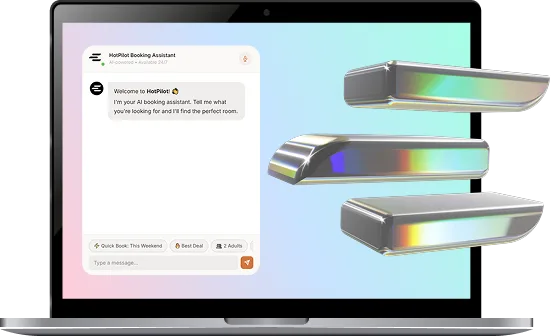
HotPilot's Support Ticket system gives guests, staff, and management a shared, structured way to submit, assign, track, and close every request and issue. Tickets can come from guests via the AI Concierge or directly from the booking engine. Staff can open tickets on behalf of guests or for internal tasks. Management sees everything in real time — who's working on what, how long it's taking, and where the bottlenecks are.
WHO USES TICKETS
Built for Every Role
in Your Property
Guests
Submit requests or report problems through the AI Concierge chat or the guest portal — without needing to call the front desk or track anyone down. They receive confirmation and updates automatically.
Staff
Receive assigned tickets with full context — room number, guest name, description, and priority. Update status as they work, add notes, and close tickets when done. Available on mobile for on-the-go staff.
Management
A real-time overview of all open, in-progress, and completed tickets. Assign or reassign tickets, set priorities, track resolution times, and identify recurring issues — from one dashboard.
Features
Everything You Need
to Run a Tight Operation
The Right Ticket. The Right Team. Instantly.
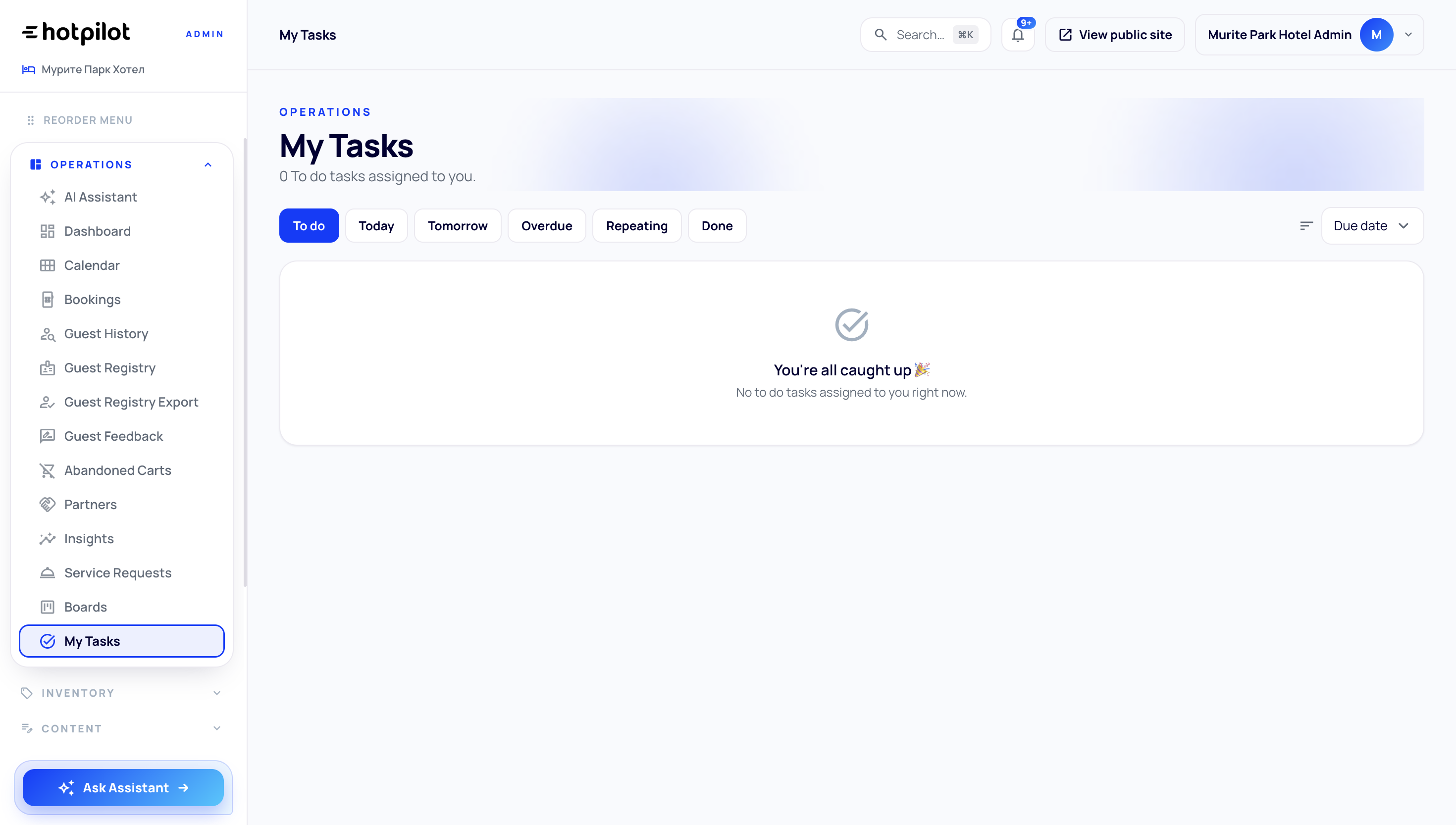
Tickets are automatically categorised and routed to the relevant department — maintenance, housekeeping, front desk, F&B, or management — based on the request type. Department heads see only their queue. Staff see only their assigned tasks. No one is overwhelmed with tickets that aren't theirs to solve.
Complete Visibility. Without Micromanaging.
Managers get a real-time view of the entire operation — open tickets by department, average response times, staff workload, and recurring issue patterns. Set SLA targets and get alerts when they're at risk. Review completed tickets to evaluate quality and identify training opportunities. All without interrupting the team doing the work.
Close the Loop With Every Guest
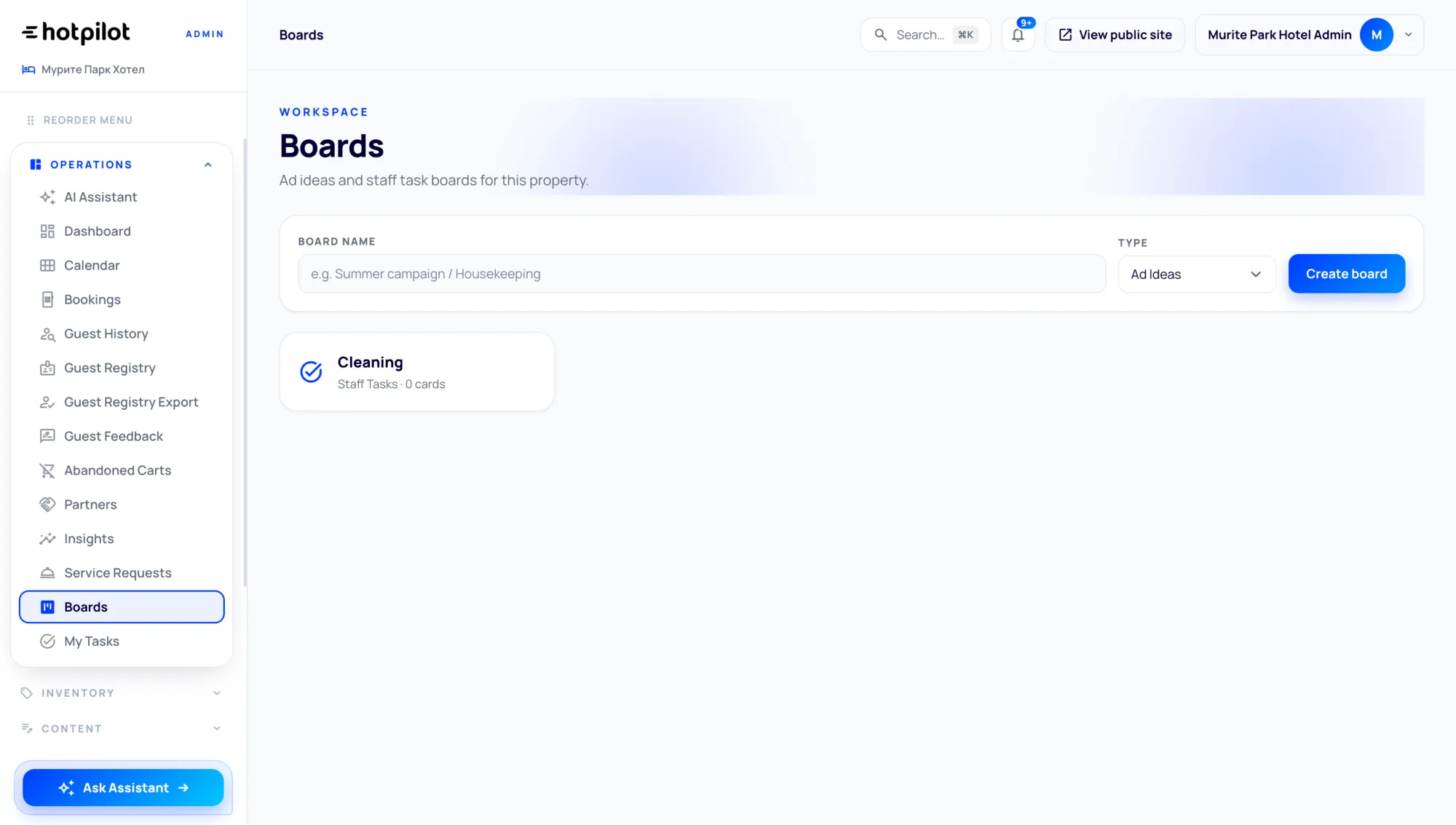
When a ticket is resolved, HotPilot can automatically notify the guest — via the AI Concierge, SMS, or email — confirming that their request has been handled. Guests can rate the resolution with a simple thumbs up or star rating. This feedback feeds directly into your service quality metrics and gives management a ground-level view of the guest experience.
The Right Ticket. The Right Team. Instantly.
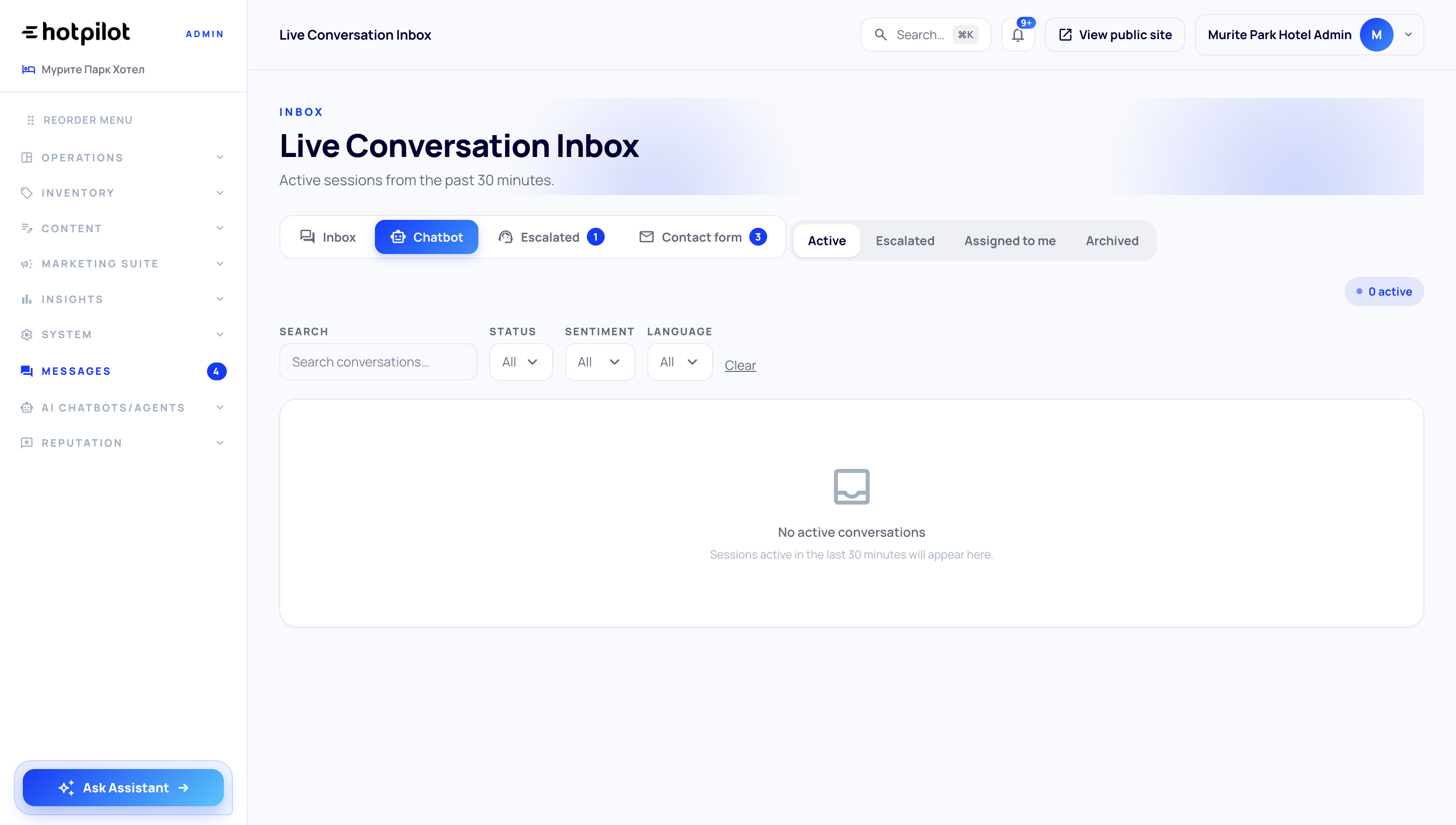
Tickets are automatically categorised and routed to the relevant department — maintenance, housekeeping, front desk, F&B, or management — based on the request type. Department heads see only their queue. Staff see only their assigned tasks. No one is overwhelmed with tickets that aren't theirs to solve.
Complete Visibility. Without Micromanaging.
Managers get a real-time view of the entire operation — open tickets by department, average response times, staff workload, and recurring issue patterns. Set SLA targets and get alerts when they're at risk. Review completed tickets to evaluate quality and identify training opportunities. All without interrupting the team doing the work.
Close the Loop With Every Guest
When a ticket is resolved, HotPilot can automatically notify the guest — via the AI Concierge, SMS, or email — confirming that their request has been handled. Guests can rate the resolution with a simple thumbs up or star rating. This feedback feeds directly into your service quality metrics and gives management a ground-level view of the guest experience.
Impact
Faster Resolution. Happier Guests.
requests lost between verbal handoffs or chat messages
average resolution time when tickets are routed automatically
of tickets logged, tracked, and reportable at any time
management visibility across all open tasks and staff workload
FAQ
Frequently Asked Questions
Everything you need to know about this feature.
Online
Guests can submit requests through the AI Concierge chat — which automatically converts actionable requests into tickets — or directly through a dedicated guest portal accessible via a QR code in the room or a link in their pre-arrival email. No app download required.
Online
Yes. Any staff member can open a ticket manually — useful for issues spotted during housekeeping, maintenance checks, or verbal requests from guests. The ticket is linked to the relevant room and guest record automatically.
Online
Yes. HotPilot's staff interface is fully mobile-optimised. Housekeeping and maintenance teams can view their assigned tickets, update status, add photos, and close tasks directly from their phone — no laptop or front desk terminal required.
Online
Yes. You can define SLA targets per department and per priority level. Urgent maintenance issues can have a 30-minute SLA while standard housekeeping requests might have 2 hours. When a ticket is approaching its SLA deadline, the assigned team member and their manager are automatically alerted.
No More Lost Requests.
No More Guessing.
Give your team the tools to handle every guest request — faster, with full accountability, and with the data to keep improving.